

Download LINE APK – chat app, free video calls, messaging app, social network, stickers, AI chatbot, LINE APK, LINE app, LINE chat, LINE messenger, LINE for PC, LINE for Mac, LINE for Android, LINE for iOS, LINE for Windows, LINE for desktop
Overview
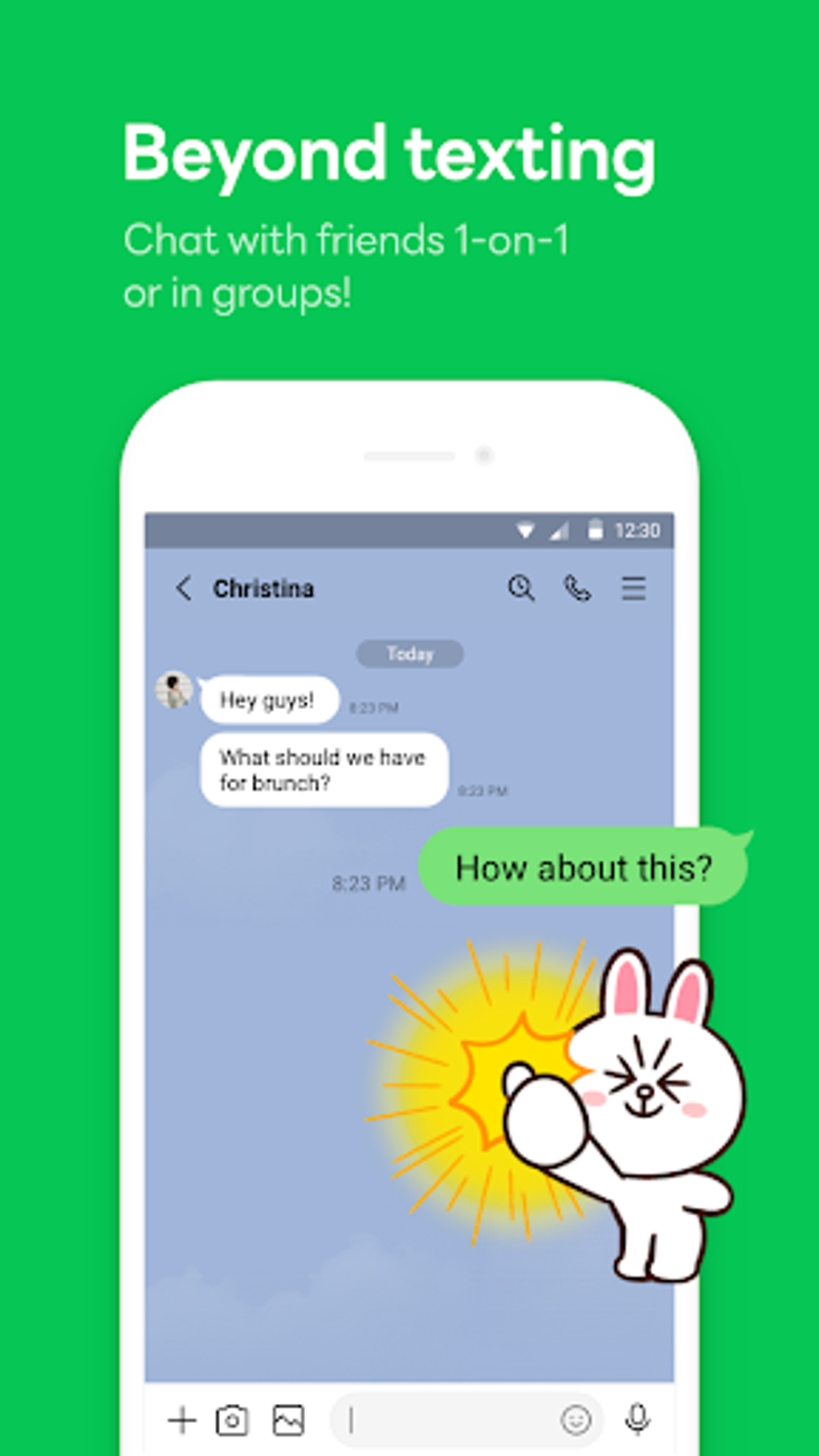
LINE is a multifunctional communication platform designed to serve as a modern alternative to mainstream messaging apps. It enables users to send text messages, make free voice and video calls, share photos, and engage in social interactions through a feature-rich interface. The app supports cross-platform synchronization between mobile and desktop devices, allowing seamless conversations across smartphones and computers. Its primary purpose is to provide a secure, fast, and feature-packed environment for personal and social communication.
LINE caters to a broad audience, including individuals seeking a social networking experience beyond simple messaging, professionals needing group collaboration tools, and fans wanting to follow brands and public figures. The app's integration of social elements like Timeline, where users can post updates, share photos, and receive likes and comments, enhances its appeal as a hybrid communication and social media tool. Additionally, businesses and celebrities use LINE to connect directly with followers, offering promotional content and real-time updates.
Developed by LINE Corporation, the app has a strong presence in Asia, particularly in Japan, and continues to expand globally. The inclusion of AI-powered assistance through OpenAI’s ChatGPT API, known as AI Chat-kun, marks a significant evolution in its functionality, enabling users to perform complex tasks without leaving the app. While the AI feature is currently limited to English and optimized for PC use, it demonstrates the app’s commitment to innovation.
Key Features & Capabilities
- Free Voice and Video Calls – Users can make high-quality, free calls over WiFi or mobile data between LINE users on Android, iOS, Windows, and Mac. The call quality is consistently strong, with minimal lag, making it suitable for both casual and professional use.
- Group Chats with 100 Members – Supports large group conversations, ideal for families, teams, or communities. Users can assign administrators, set group rules, and manage member access.
- Hidden Chat (Time-Limited Messages) – A privacy-focused feature allowing users to send messages that disappear after being viewed. This functionality is similar to Snapchat’s ephemeral messaging, appealing to users who value temporary communication.
- Timeline Social Feed – Functions like a social network, where users can post updates, share photos, stickers, and videos. Friends can like, comment, and react, fostering community engagement.
- AI Chat Integration (AI Chat-kun) – Powered by OpenAI’s ChatGPT API, this feature allows users to generate essays, create travel plans, draft emails, and perform other AI-driven tasks directly within the app. Currently available only in English and optimized for desktop use.
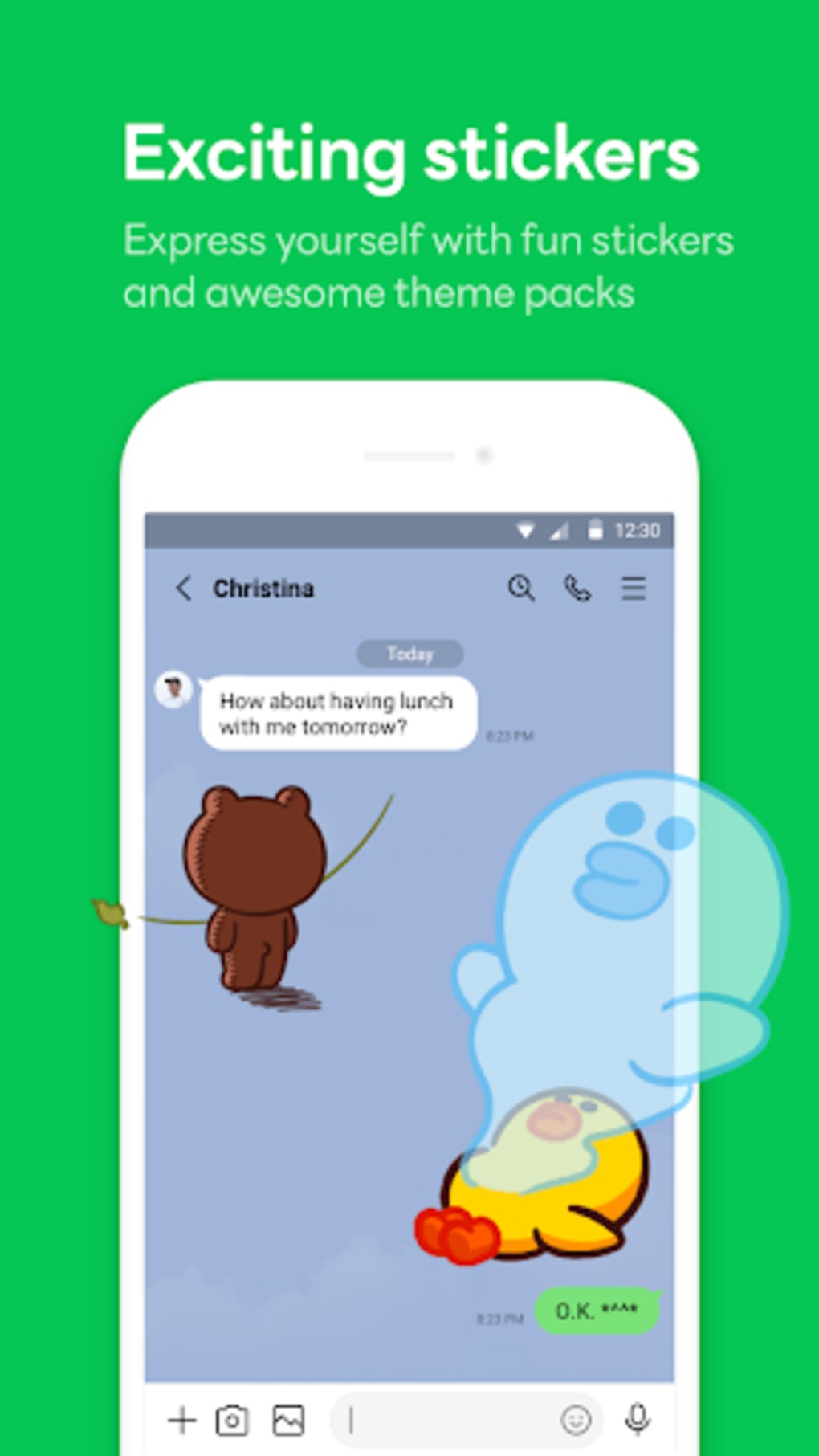
- Sticker and Emoji Library – Offers a vast collection of animated stickers, emojis, and themes, enhancing the emotional expression in conversations.
- Business and Celebrity Accounts – Users can follow brands, restaurants, and public figures to receive exclusive content, promotions, and real-time updates.
- Random Chat via Shake Feature – Enables users to connect with nearby strangers by shaking their device or tapping the screen, useful for meeting new people when social circles are limited.
User Interface, Workflow & Performance
The user interface of LINE is highly visual and feature-dense, offering a modern design with intuitive navigation. The main screen displays active chats, groups, and a dedicated section for the Timeline feed. However, the abundance of options and layered menus can sometimes lead to confusion, especially for new users trying to navigate back to the home screen or past conversations.
Workflow efficiency is generally high for experienced users, particularly when utilizing cross-device synchronization. Messages, calls, and media are consistently synced between mobile and desktop versions, ensuring continuity. The app maintains a stable performance across platforms, with minimal crashes or freezes reported during typical use.
Performance observations are based on general software behavior patterns. The developer did not specify resource usage details. However, based on standard messaging app benchmarks, LINE operates efficiently under normal conditions. CPU and RAM usage remain moderate during active use, though extended sessions with video calls or AI interactions may increase demand on system resources.
Compatibility & System Requirements
LINE is available on multiple platforms, including Android, iOS, Windows, and Mac. The current version is 11.10.2, with an installation size of 87.3 MB. This size is typical for a feature-rich messaging app with multimedia and AI capabilities.
Platform compatibility information is limited. The developer did not provide additional system requirements. Exact performance details were not specified. Compatibility with older OS versions or low-end hardware was not confirmed. Users should ensure their device meets the minimum requirements for the respective operating system.
Pros and Cons
Pros
- Free voice and video calls across all supported platforms
- Seamless synchronization between mobile and desktop devices
- Extensive sticker and emoji collection for expressive communication
- Unique Hidden Chat feature for temporary, secure messages
- AI-powered ChatGPT integration for advanced task automation
- Active social network features via Timeline and public accounts
- Support for large group chats with up to 100 participants
- Available at no cost with optional premium calling to non-LINE users
Cons
- AI Chat-kun is only available in English and optimized for PC use
- UI can be overwhelming due to the number of features and menus
- Navigation issues reported when accessing past chats or returning to the home screen
- Timeline feature may distract from core messaging functionality
- Performance on older or low-end devices may vary without official specifications
- Random chat feature may expose users to unwanted interactions
FAQ Section
Is LINE available for free?
Yes, the core features of LINE, including text messaging, voice and video calls, stickers, and group chats, are completely free to use. Premium calling to non-LINE contacts is available as an optional paid feature.
Can I use LINE on both my phone and computer?
Yes, LINE supports cross-platform synchronization. You can use the same account on Android, iOS, Windows, and Mac devices, with messages and media syncing in real time.
Is LINE safe to use?
LINE uses end-to-end encryption for messages and calls, ensuring privacy. The app also allows users to block or hide contacts, and the Hidden Chat feature enhances data security through temporary message display.
How often does LINE update?
Updates are released regularly to improve performance, fix bugs, and introduce new features. The latest version is 11.10.2, released on May 21, 2024.
Can I use AI features on mobile devices?
Currently, the AI Chat-kun integration is optimized for desktop use and only available in English. Mobile users may experience limited access or functionality when using the AI feature.
Final Thoughts
LINE stands out as a versatile and innovative communication tool that goes beyond traditional messaging. With its blend of reliable calling, social networking, and AI-powered assistance, it offers a unique experience that appeals to users seeking more than just text chat. While the interface may feel complex at first, its powerful features—especially the AI integration and Hidden Chat—make it a compelling alternative to WhatsApp and other messaging platforms.
Users who value social interaction, creative expression through stickers, and advanced functionality will find great value in LINE. The app is particularly beneficial for professionals managing large teams, fans following celebrities, and individuals who enjoy interactive digital communication.
Download LINE APK now and experience a smarter, more connected way to communicate.






.png)
